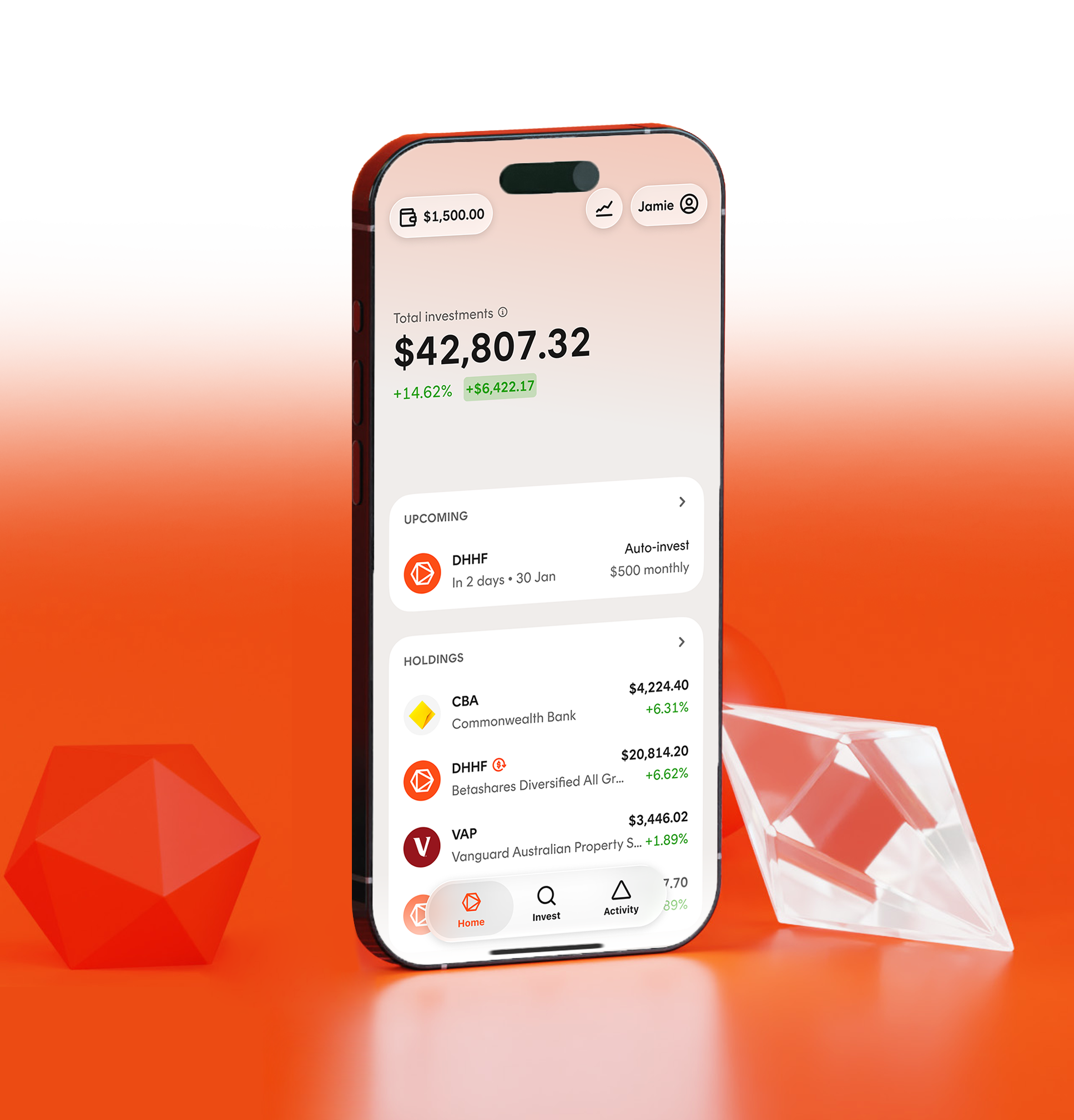
Set recurring orders with Auto-invest
A strategy of regular, automatic contributions can help you steadily build wealth.
Auto-invest allows you to set up recurring investments into up to five Betashares ETFs brokerage-free, making it simple to automate a dollar cost averaging (DCA) investing strategy.
Avoid trying to time the markets, with dollar cost averaging (DCA)
Auto-invest can help you to put a dollar cost averaging (DCA) strategy in place.
DCA involves investing the same amount of money at regular intervals - e.g. monthly or quarterly – without regard to market movements. Investing a fixed dollar amount means that when prices are higher, your money buys fewer ETF units, and when prices are lower, your money buys more.
DCA can help you to focus on your long-term investment goals by taking market timing out of the investing equation.



How Auto-invest works
To schedule recurring, brokerage-free orders, log into your Betashares Direct account, and navigate to Auto-invest:
Select your ETFs
Choose up to five Betashares ETFs to make recurring orders into
Schedule your recurring orders
Choose the amount you want to invest on each order date, how often you want to invest, and the date you want to start. Fractional investing means that your regular amount will be invested fully, with no cash component left sitting uninvested.
Ensure your Wallet is funded
For your recurring orders to be executed, you must have sufficient funds available in your Wallet. We recommend setting up a recurring transfer from your bank into your Wallet, so that the entire process – from funding your wallet through to your recurring investment – is automated.
Set up recurring fund transfers into your Wallet
Recurring orders are executed using cash from your Wallet.To ensure your orders are filled on each scheduled order date, we recommend you set up a recurring transfer from your bank account into your Wallet to take place a day or two before your recurring orders are scheduled. That way, you don’t have to remember to manually transfer funds each time your order date approaches - the entire process is automated.To do this, log into your bank account and schedule a recurring transfer using the unique BSB and account number for your Wallet.
Automate your investing
with Auto-invest.png)
Custom Portfolios
Auto-invest can be used to automate recurring orders into up to five Betashares ETFs. If you would like to automate recurring orders into a larger portfolio that may include ETFs from other issuers, or ASX shares, consider creating a Custom Portfolio.
Explore more
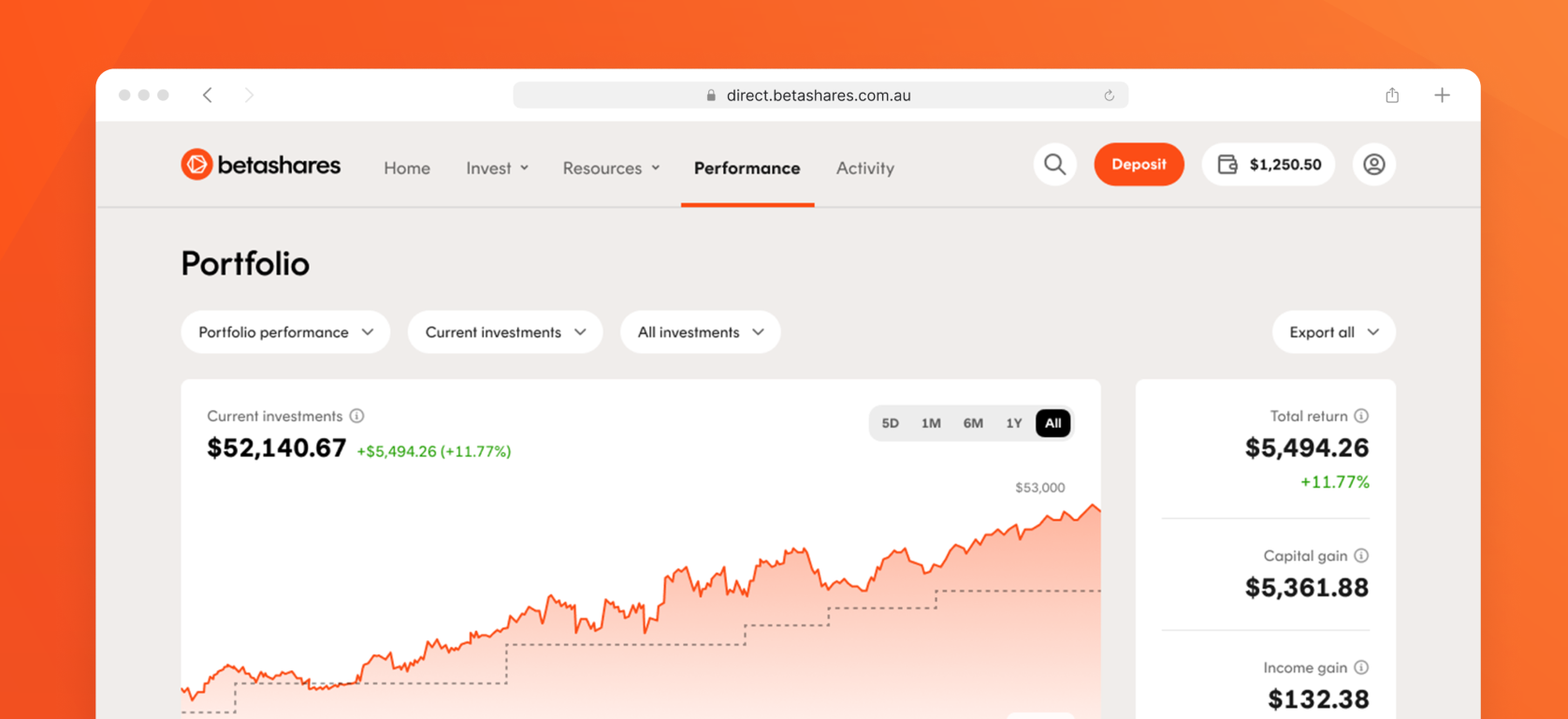
Tools and reporting
Betashares Direct includes personalised tax and performance reporting, and a range of powerful yet intuitive tools that help you to be a better investor.
Start investing with Betashares Direct
Sign up on web or download the app
Open accountBy proceeding, you confirm that you’ve read our Privacy Policy and Privacy Collection Statement. We may contact you about our products or services unless you request otherwise.


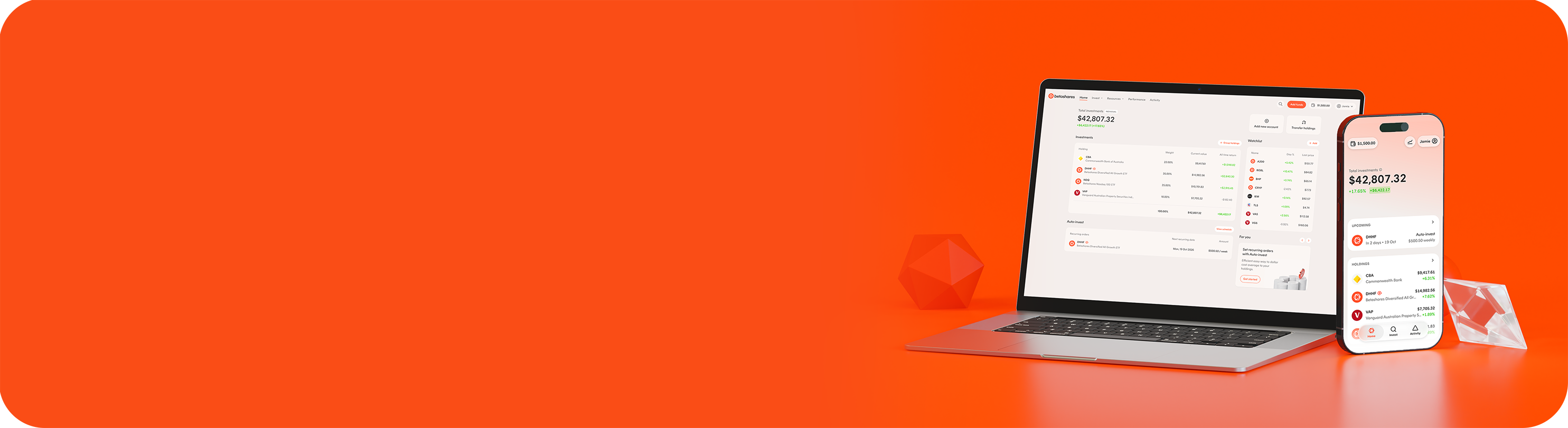
Start investing with Betashares Direct
Open account